
Welcome guests on a Webex device.
Cisco room kit in the lobby becomes your visitor kiosk. Touch or QR check-in, host alerts, badge prints and a clean digital log, all on the Webex device already on the wall.

Reception on Webex
The kit in the lobby is the reception.
UMA · Cisco · Visitor kiosk 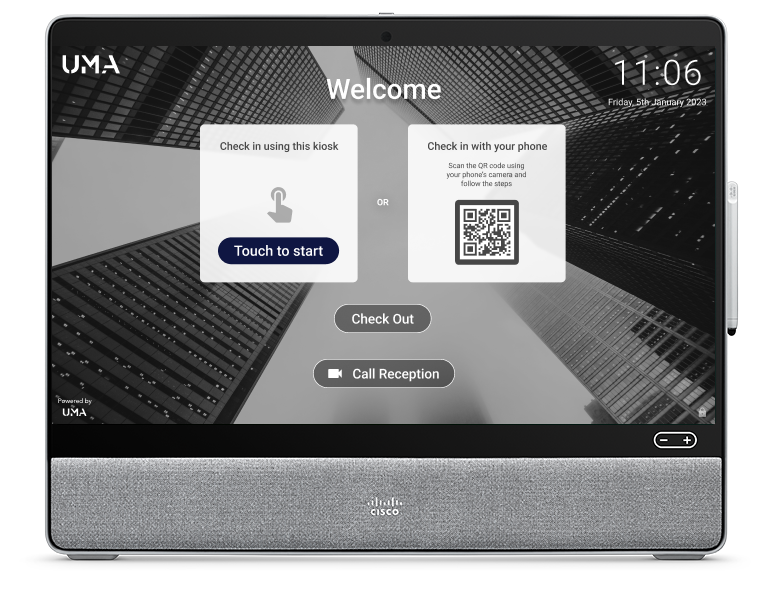
Webex Desk Pro · Board
Touch to start. Scan a QR. Sign in without a clipboard.
UMA runs natively on Cisco Webex devices: Desk Pro, Board, Room Bar. The screen at the lobby that's normally idle becomes the visitor kiosk. No tablet stand, no extra hardware spec, no separate IT contract.
Book a Demo What it does
Every step of the visit, on the same screen.
From pre-registration to badge-out, the visitor never sees a phone, an email chain, or a sticky note. Reception sees a single timeline.
- 01Branded welcome
Your wordmark and your tone on the device every visitor sees first. The Desk Pro becomes the reception, no signage needed.
- 02Touch or QR check-in
Walk-ins tap to start. Pre-registered guests scan the QR from their phone and skip the form entirely.
- 03Host alerts
The host gets a chat or email ping the second the visitor arrives, and again on departure. No reception phone calls.
- 04Compliance at sign-in
NDAs, fire briefings and visitor policy surfaced on the panel and captured against the visit. Defensible audit trail.
From invite to badge
Pre-register guests, automate check-in, notify the host.
UMA · Pre-registration 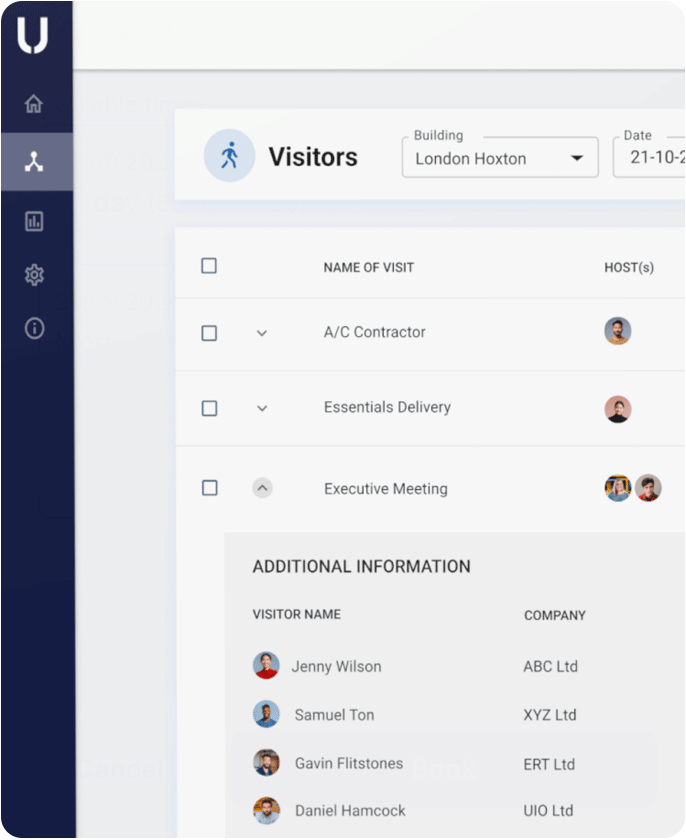
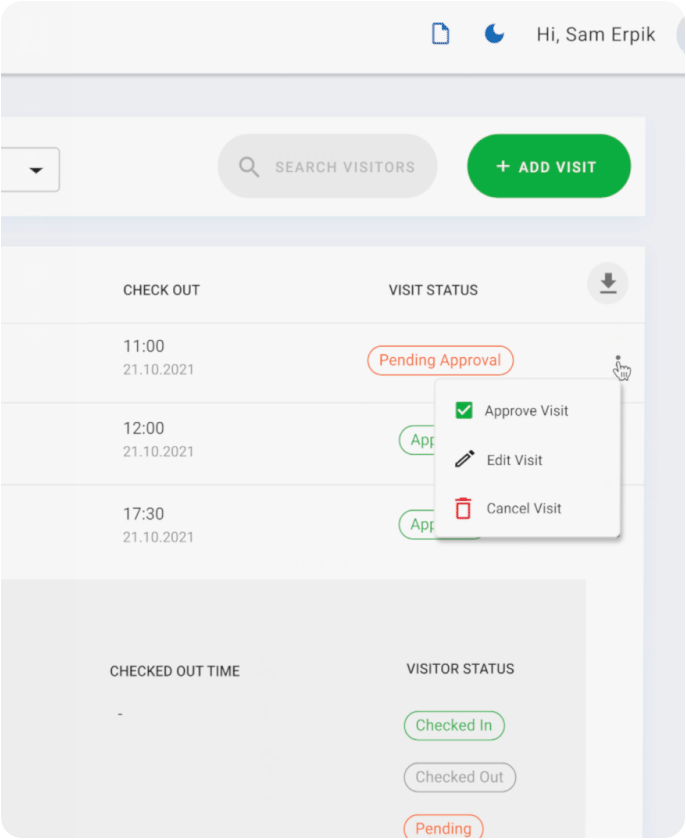
Notifications · Branded
One audit trail across every visitor, every site.
Configure notifications per audience: visitor, host, security. Hosts know when their guest is in the lobby, in the building and when they leave. Every event lands in a log you can export for security review, lease compliance and DSP Toolkit alignment.
See Visitor Management